[advntg.ai] Unity Setup
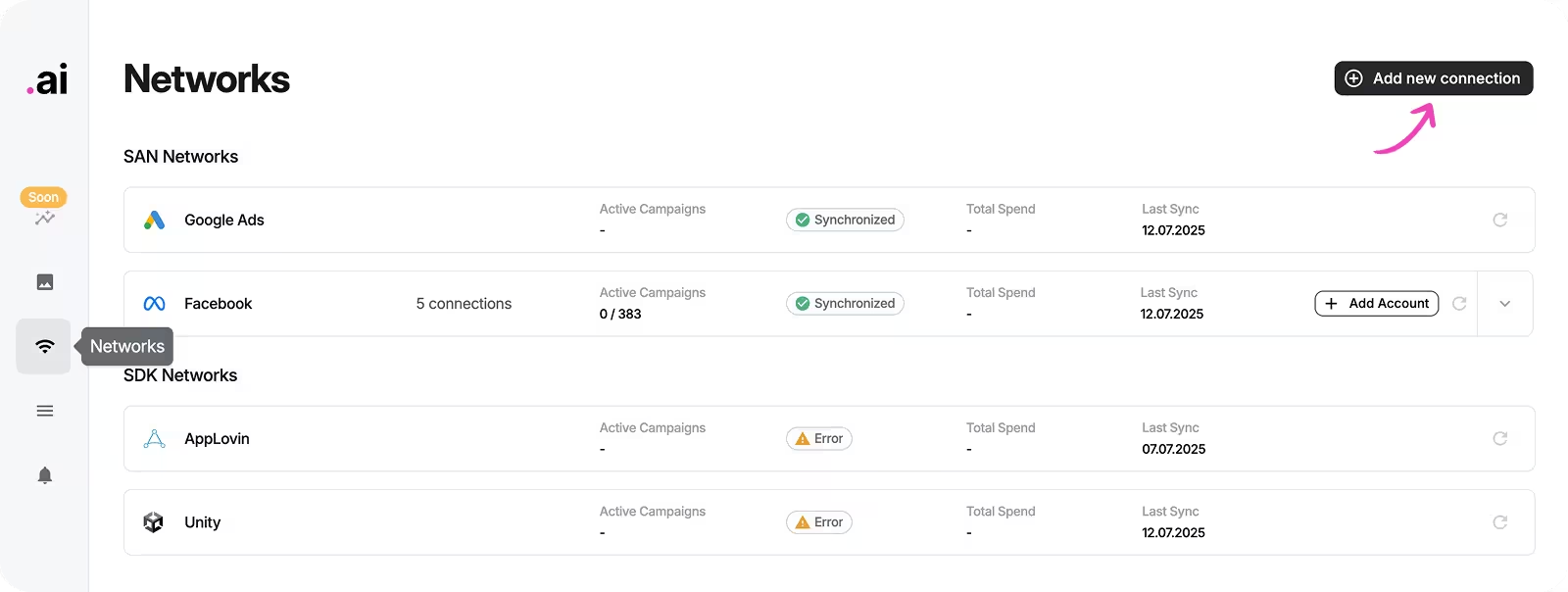
- Open “Networks” tab and click “Add new connection”:
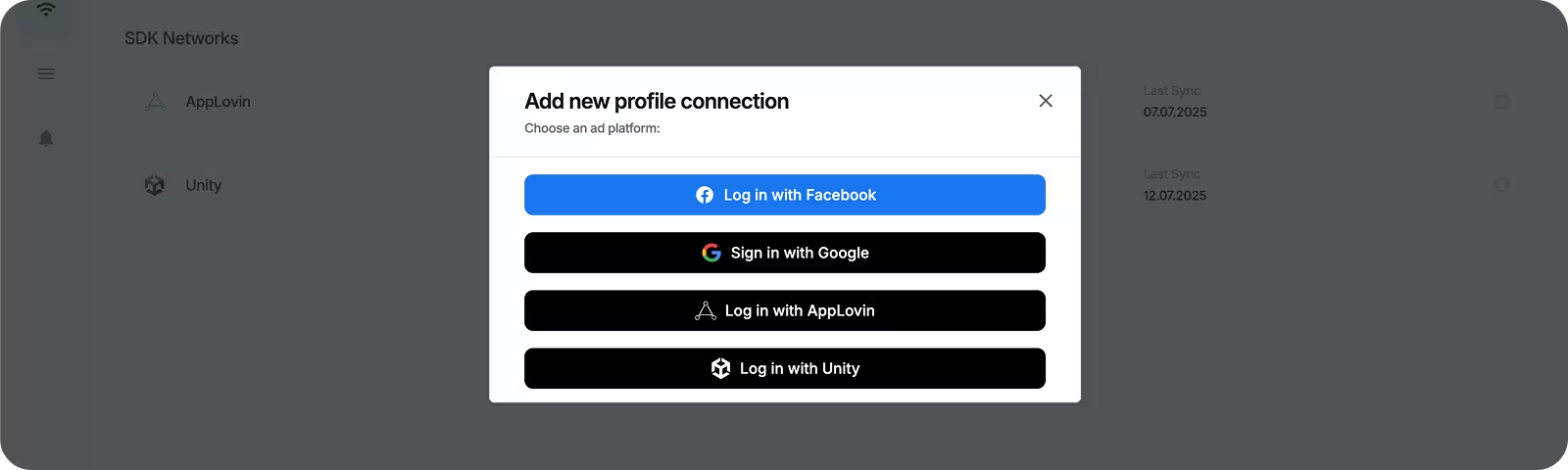
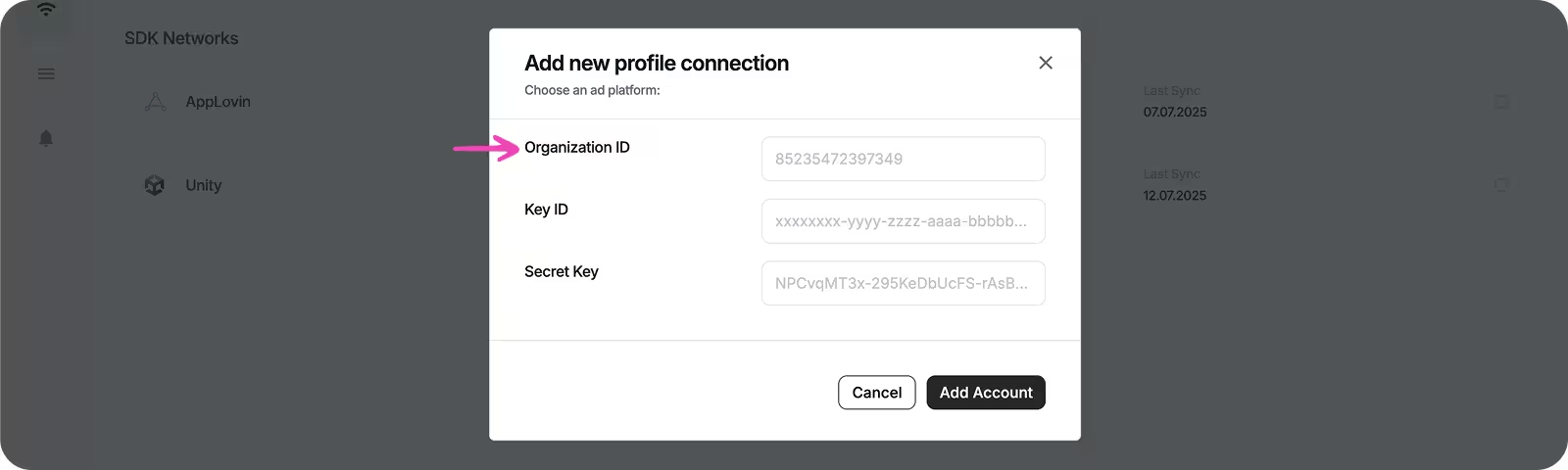
2. Open https://cloud.unity.com/, choose your organization, tap “Administration”, copy Organization ID and paste into the form:
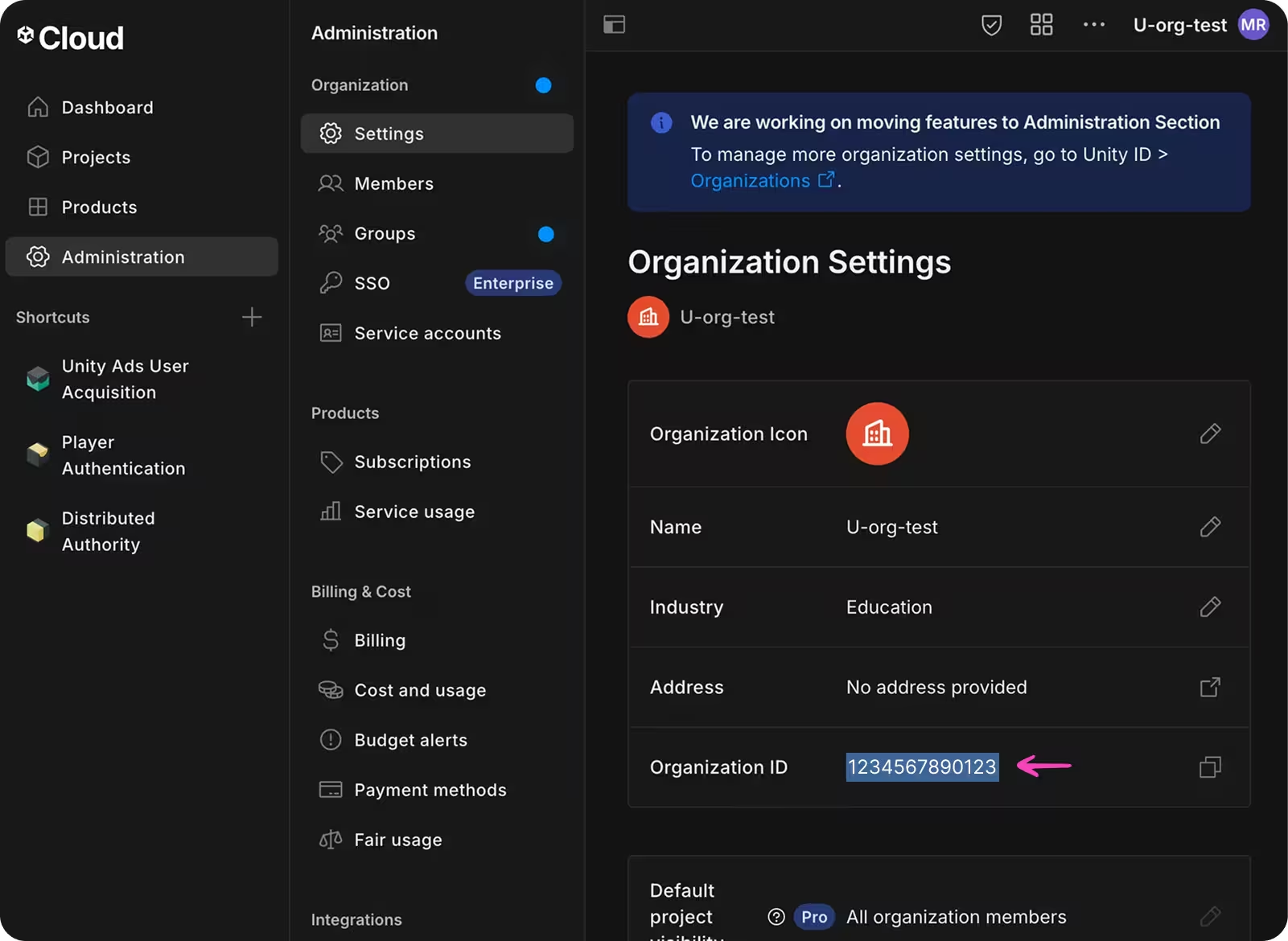
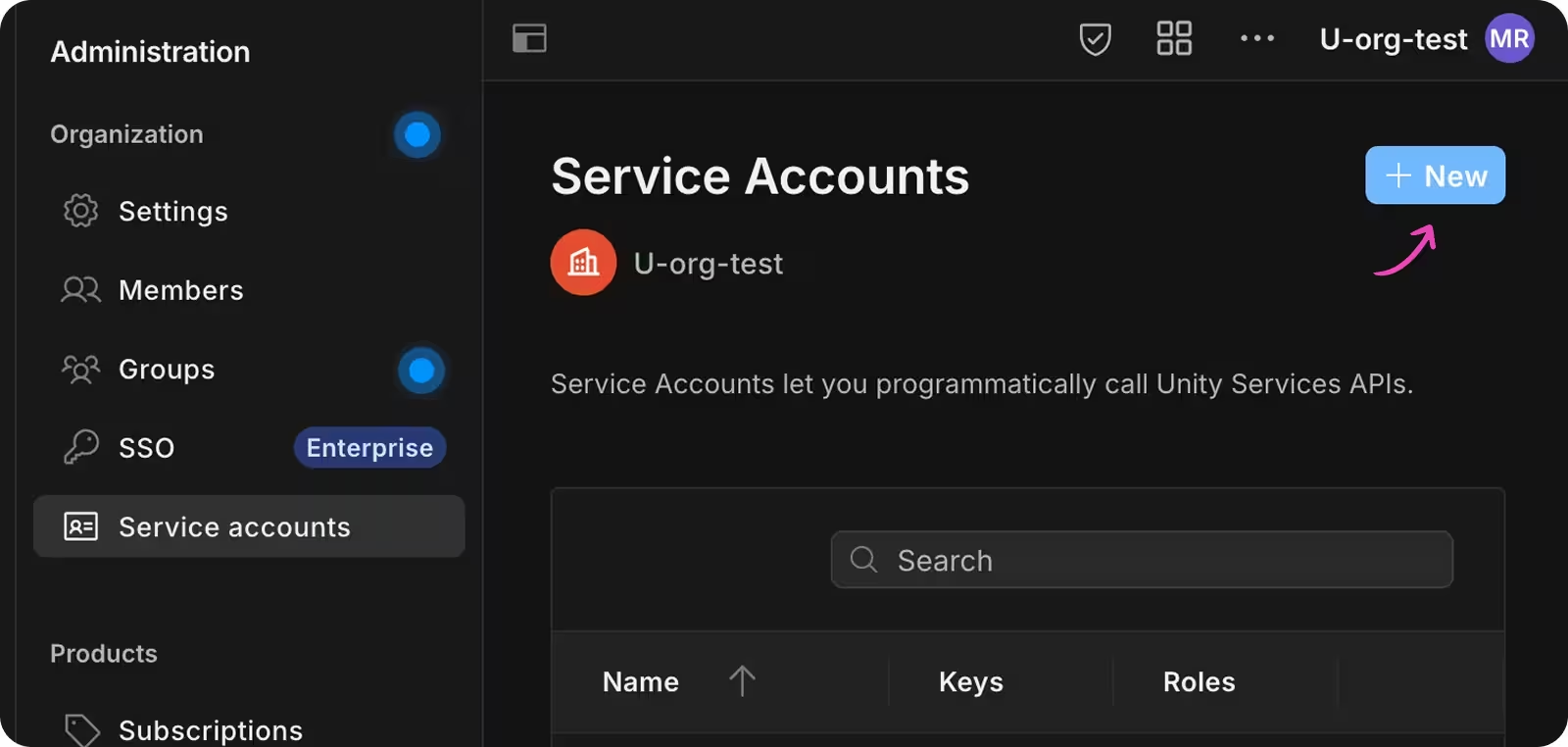
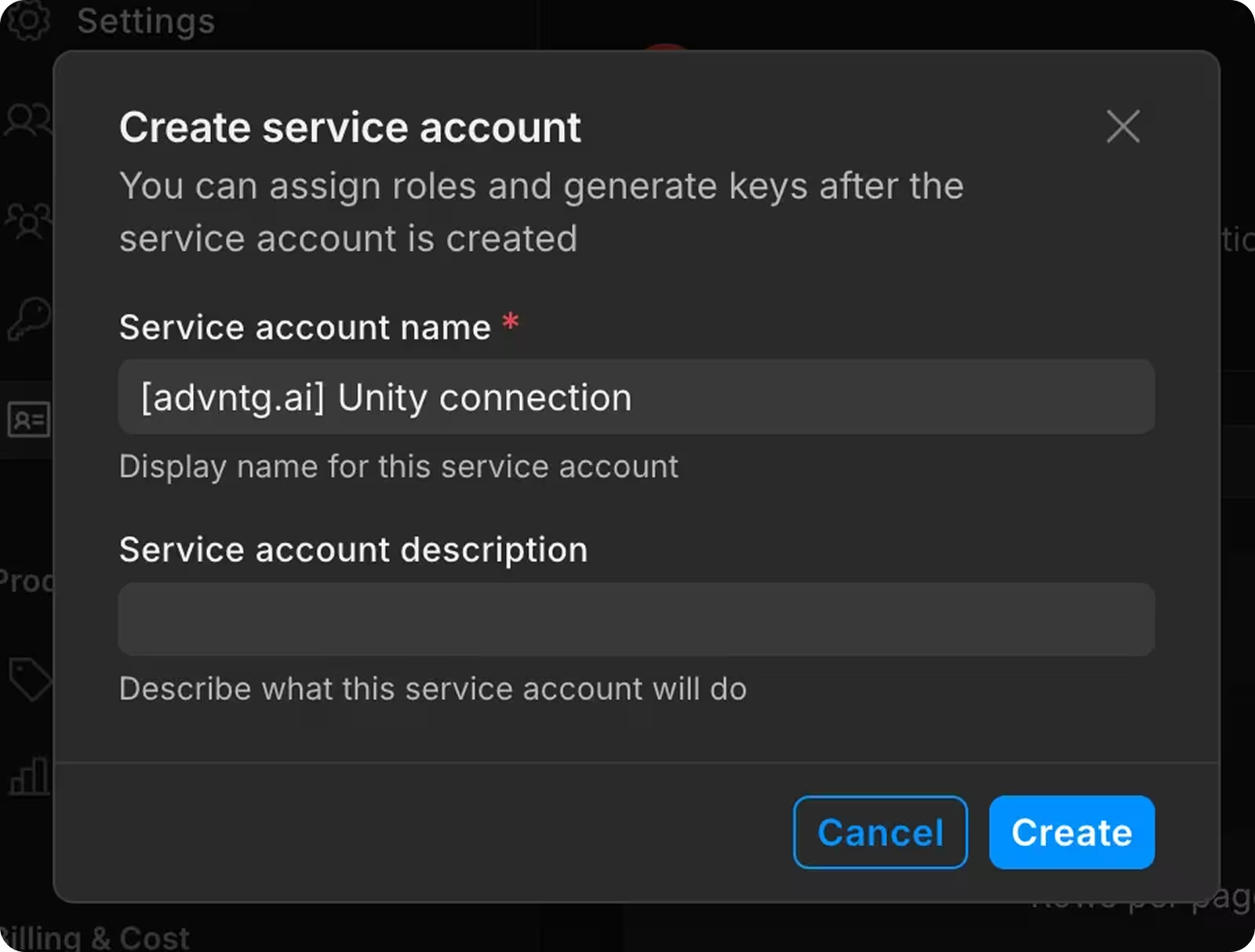
3. Open “Service accounts” menu, create a new service account, choose a name, click “Create”:
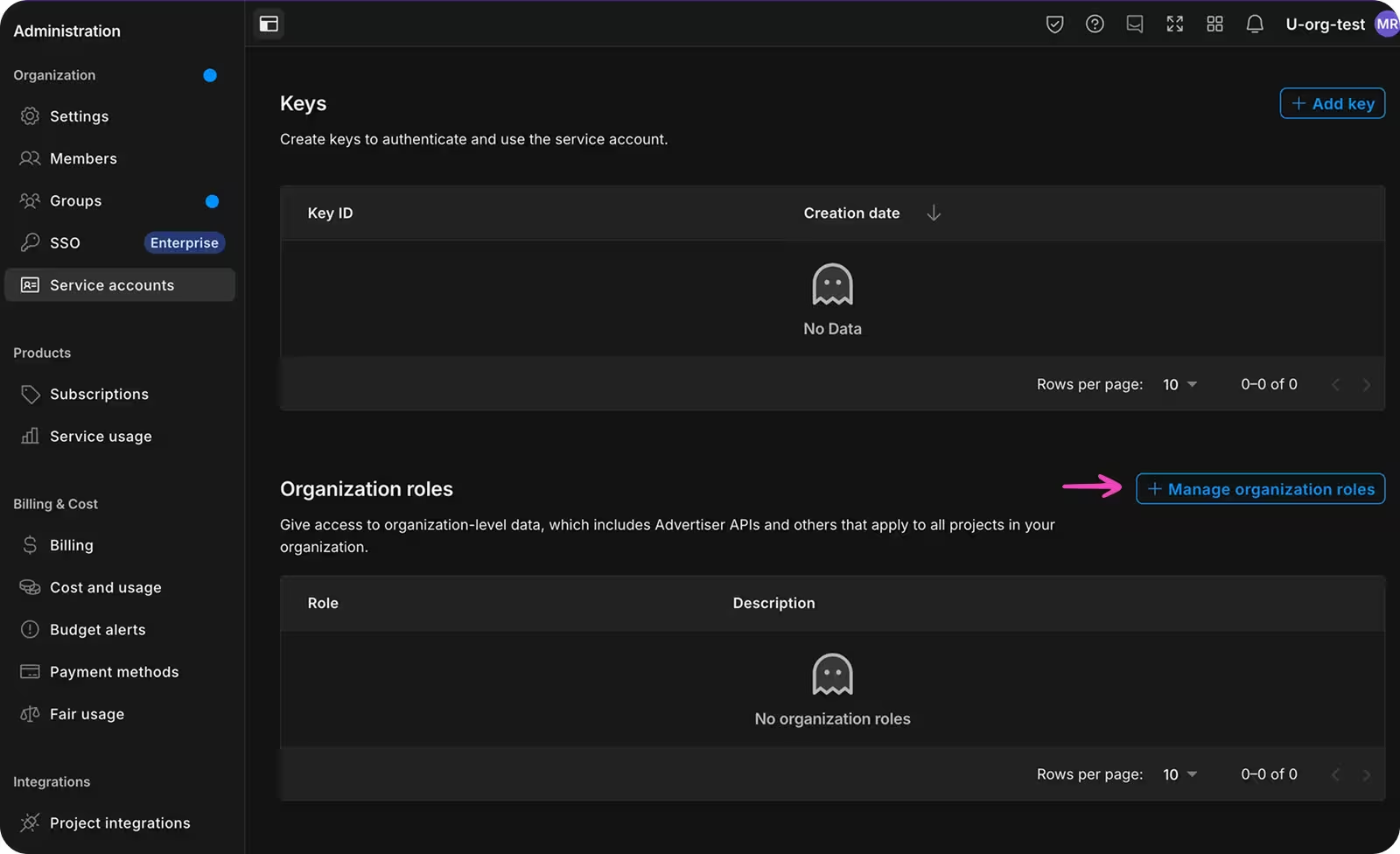
4. Scroll down, click on “Manage organization roles” and click on “Growth”:
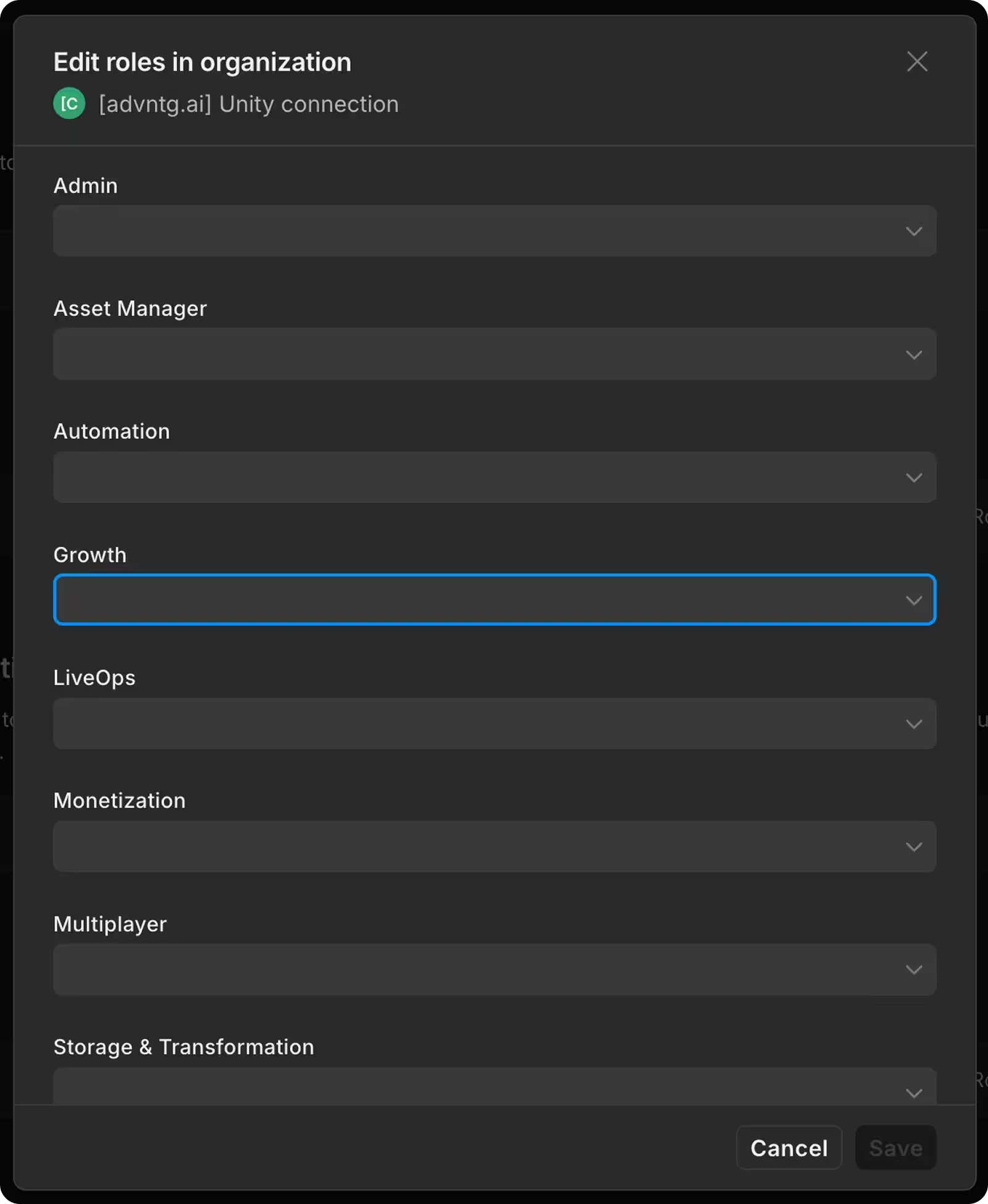
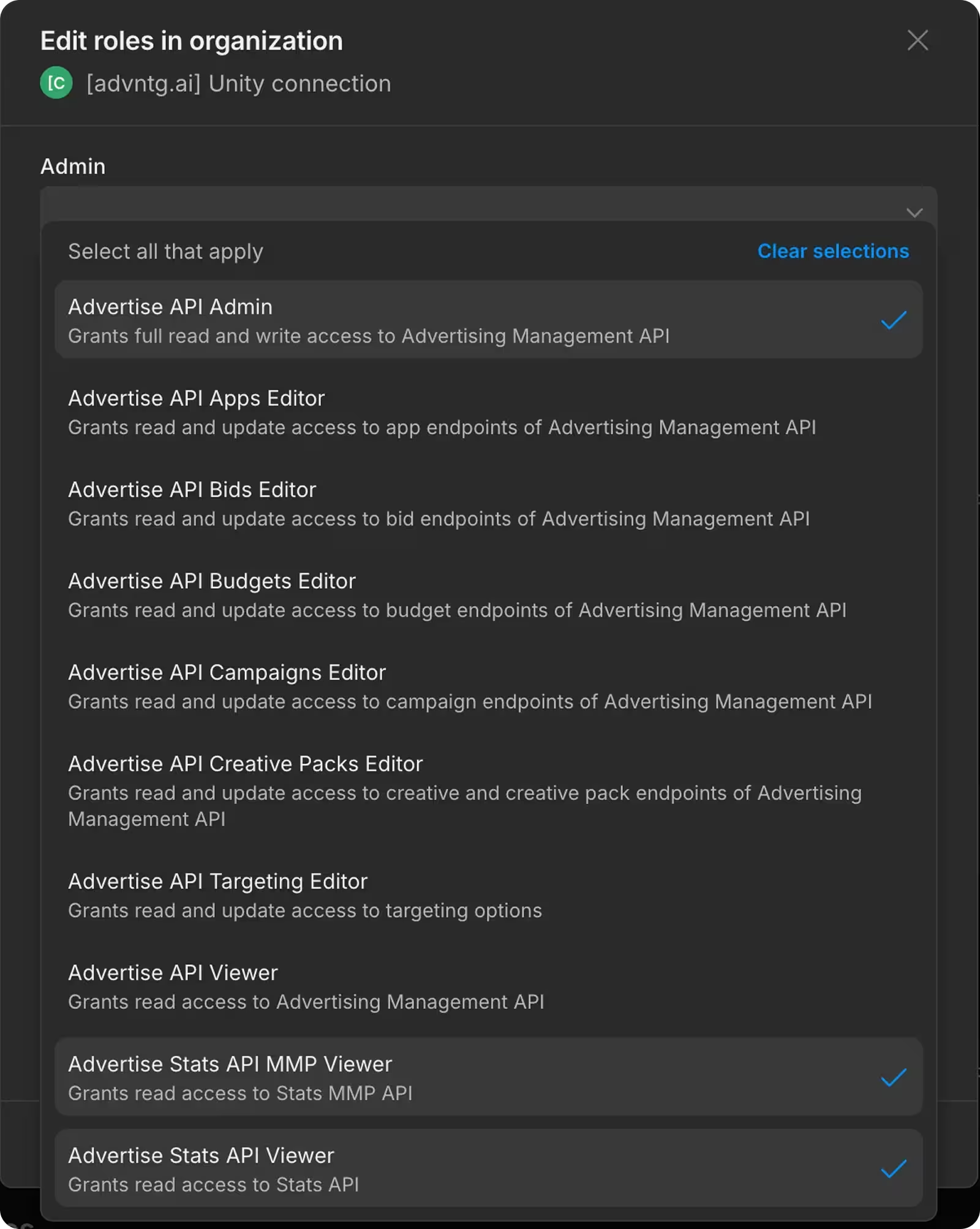
5. Choose the following roles and click on “Save”:
• Advertise API Admin
• Advertise Stats API MMP Viewer
• Advertise Stats API Viewer
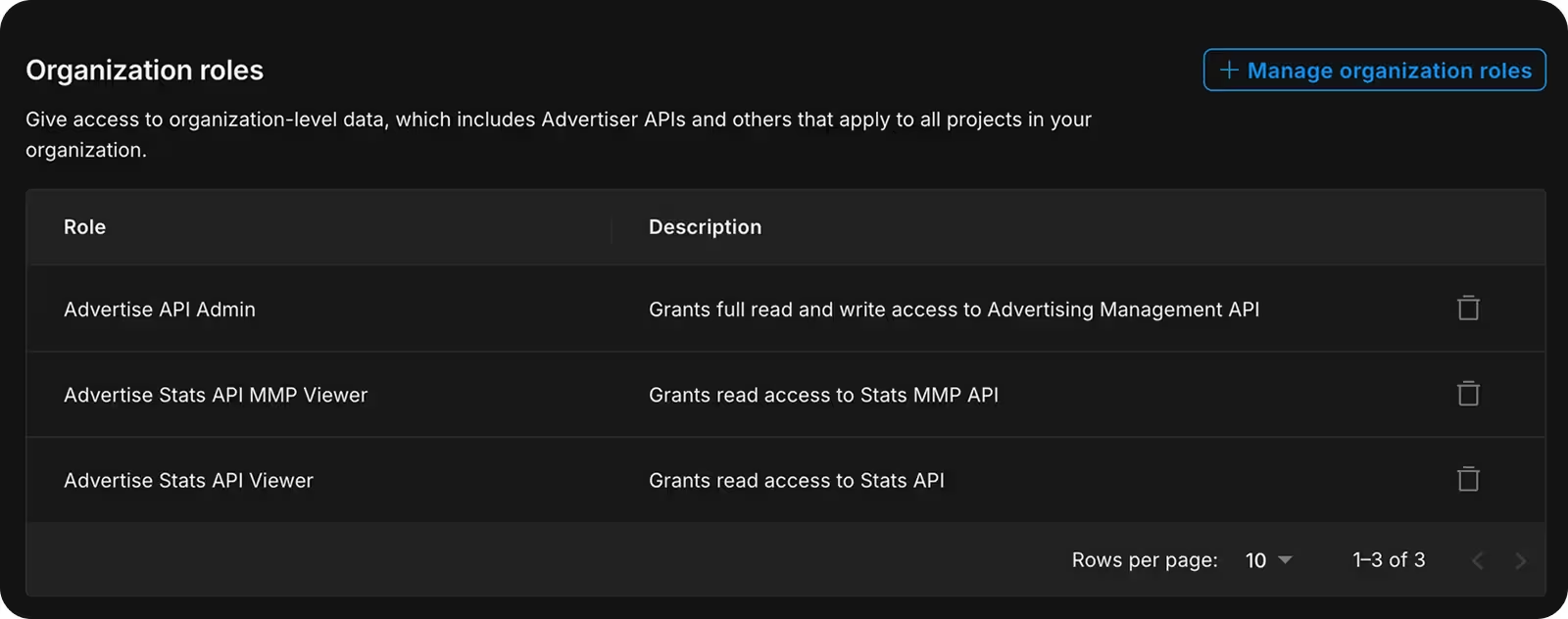
You should see three new roles added to the Unity dashboard:
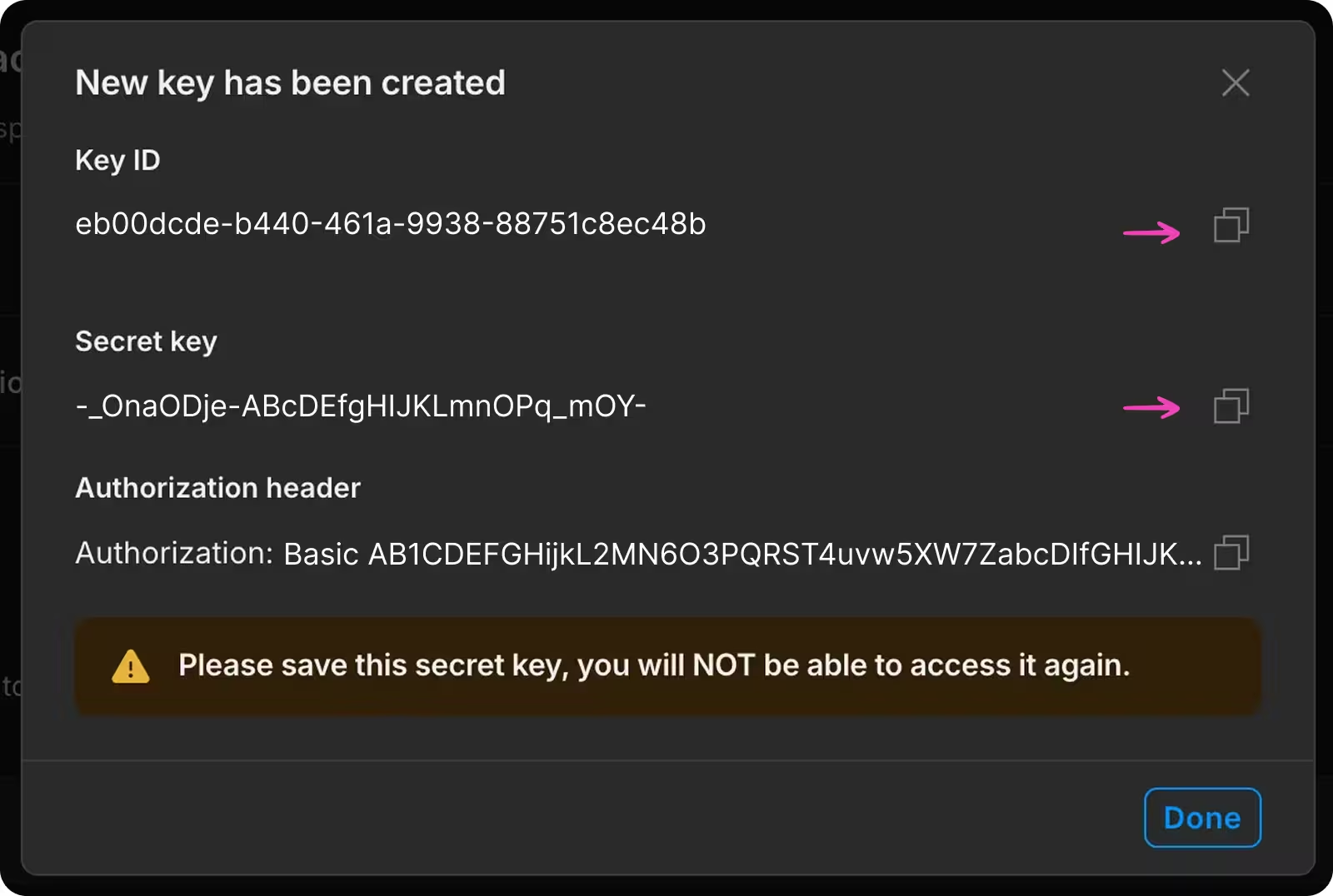
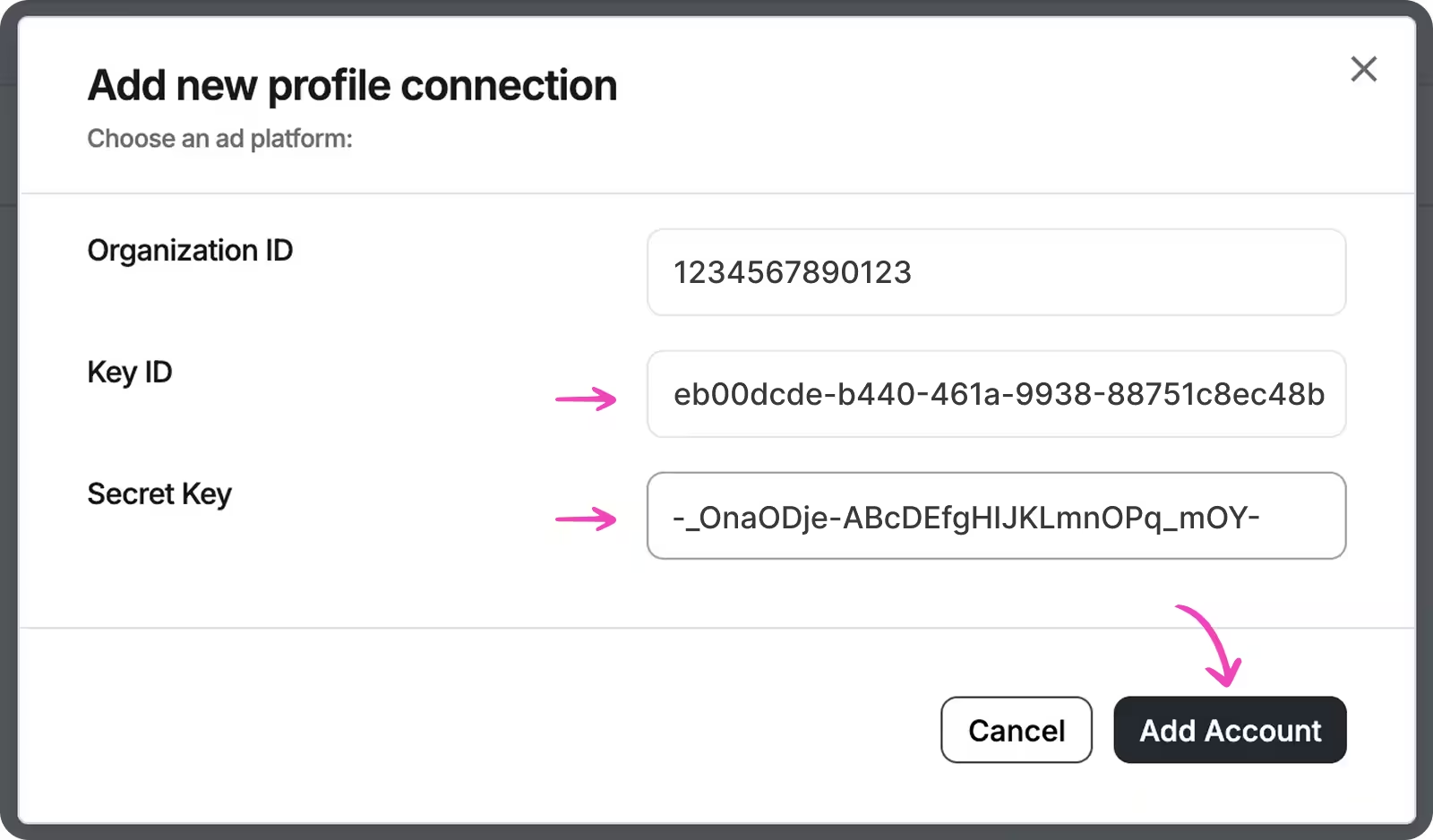
6. Click on “Add Key”, copy “Key ID” and “Secret Key” to the form and save by clicking on “Add Account”:
7. Wait for synchronization to complete:
